The short answer
Use a scene-level template. One giant prompt usually produces inconsistent clips. A reliable prompt describes subject, action, camera, setting, style, duration, and what must not appear.
The reusable template
For each scene, fill: goal, subject, action, camera movement, setting, lighting, duration, caption, negative constraints, and edit note. Keep style consistent across scenes.
Example scene prompt
“Scene 1: A clean desk with a laptop and printed checklist. Slow push-in camera. Bright natural office lighting. 4 seconds. Caption: ‘Start with the brief.’ No logos, no readable brand names, no real people.”
Output quality checklist
Look for visual consistency, readable captions, correct aspect ratio, no unwanted logos, no misleading realism, and a clear next step.
How to make variants
Change only one variable at a time: hook, platform, audience, or visual style. If you change everything, you will not know what improved the result.
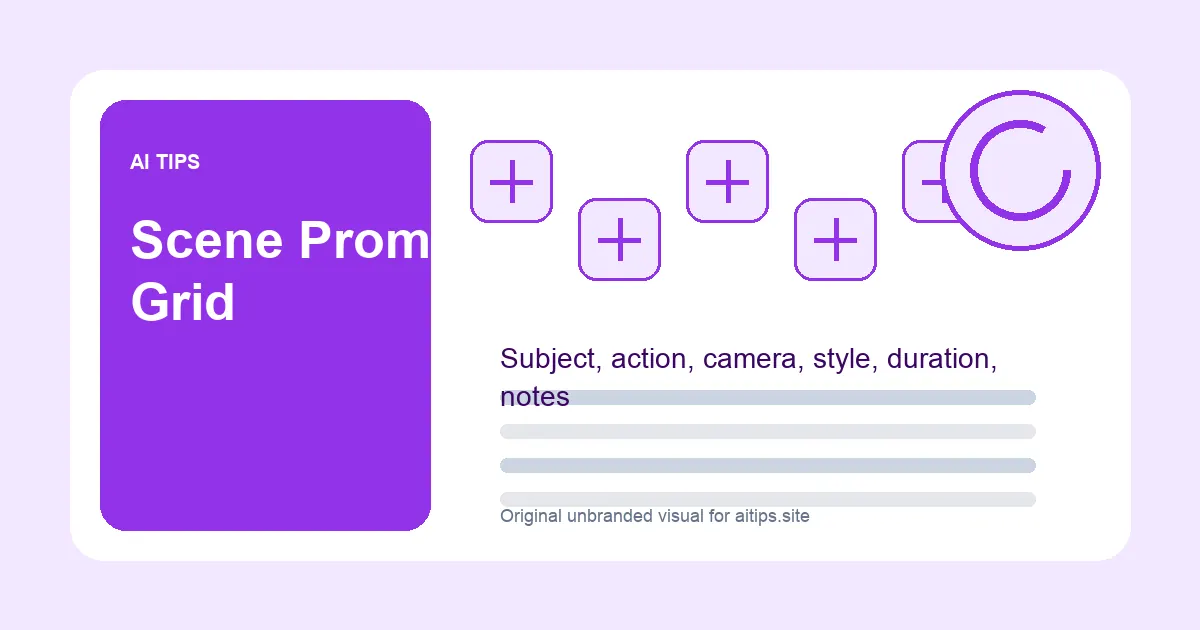
| Prompt field | What to write | Why it matters |
|---|---|---|
| Subject | Object or scene focus | Prevents random visuals |
| Action | What happens on screen | Creates motion |
| Camera | Static, push-in, top-down | Controls feel |
| Negative constraints | No logos, no real people | Reduces risk |
Save this workflow: Before publishing, copy the checklist into your own brief, add real screenshots, and link the article to the most relevant Office, Video, or SEO hub.
FAQ
Should prompts mention a tool name?
Only if the tutorial is about that tool. Generic generated visuals should stay unbranded.
How many scenes for a short video?
Three to six scenes is enough for a 20-45 second tutorial clip.
Can I reuse this for ads?
Yes, but add stricter claims review and platform policy checks before publishing.